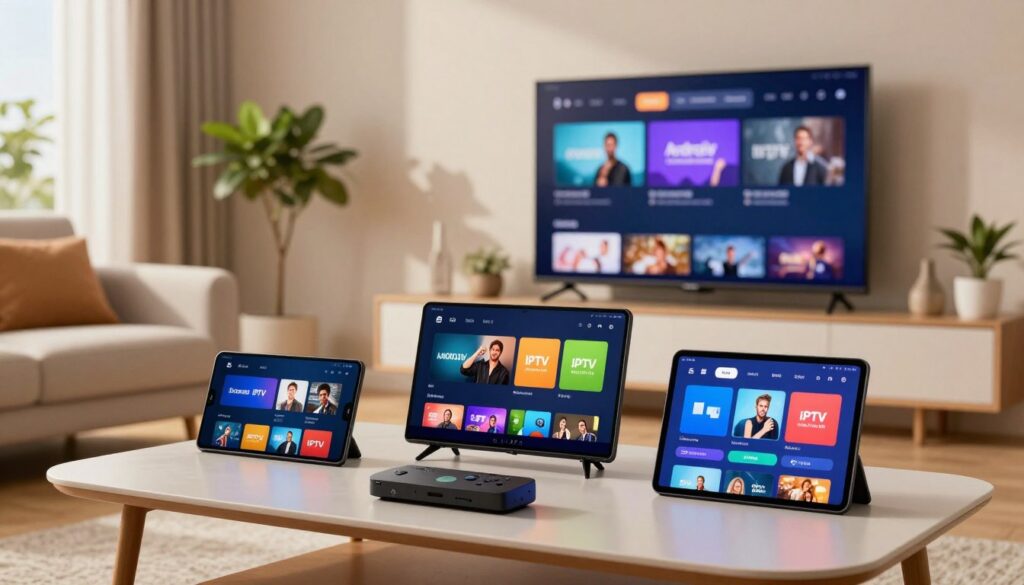
I remember setting up an IPTV app on my TV for the first time. It was exciting to have endless channels, but the buffering was frustrating. Finding a good Electronic Program Guide was a relief. This guide aims to help you find the best IPTV Players for a smooth viewing experience in 2026.
This guide compares the top IPTV apps for devices you own. We cover IPTV Android, IPTV FireStick, and IPTV Windows. We also include compatibility notes from experts like Sonix IPTV and IPTV Geeks.
Our goal is to find players that offer stable 4K playback and accurate EPGs. We also look for DVR support, low buffering for live sports, and big VOD libraries. Devices like Firestick 4K and Windows 11 laptops are included.
When choosing a player, consider the speed you need. SD requires about 5 Mbps, HD 10 Mbps, and 4K 25 Mbps. Also, remember that unauthorized streams are illegal. Use a VPN like NordVPN for privacy and to avoid geo-restrictions.
Key Takeaways
- This guide helps you choose the Best IPTV Players for Android, FireStick, and Windows in 2026.
- Top services (Sonix IPTV, IPTV Geeks, Pioneers TV, ReflexSat, ViralIPTV, 1IPTV) work with popular players like TiviMate and VLC.
- Prioritize 4K stability, accurate EPG, DVR, and low buffering for live sports.
- Devices supported include Firestick 4K, Nvidia Shield, Samsung/LG TVs, Android TV boxes, and Windows 11 PCs.
- Minimum speeds: SD 5 Mbps, HD 10 Mbps, 4K 25 Mbps; multiple streams 50+ Mbps.
- Use a reliable VPN (NordVPN, ExpressVPN, Surfshark) for privacy and to handle geo-restrictions.
Why IPTV Matters in 2026: Trends and Device Reach
IPTV is changing how we watch TV. More people are cutting the cord because streaming is cheaper. They want high-quality streams, lots of on-demand content, and reliable service during big sports events.
This shift makes the Best IPTV Players more important. They need to play smoothly and be easy to use.
Growing market and user demand
Experts predict a big increase in IPTV use. This is because more people can watch live sports and entertainment worldwide. Top providers are working hard to keep their services up and running smoothly, even when millions are watching.
Users want a wide range of VOD content and stable streams. So, they look for services that work well with the best IPTV players.
Device compatibility landscape
Nowadays, the variety of devices matters a lot. Amazon Fire TV, Android phones and tablets, Android TV boxes, Samsung Tizen, LG webOS, Apple devices, and Windows 11 all need compatible clients. Players like TiviMate, IPTV Smarters Pro, XCIPTV, VLC, and Kodi are popular because they work on many devices.
Key features to expect in 2026
In 2026, expect better EPG support and smoother 4K streams. Anti-buffering tech will also improve. DVR, catch-up, and multi-stream management will become common.
Expect huge VOD catalogs and auto-update systems. These will keep players up-to-date with the latest IPTV trends.
| Area | 2024 Status | 2026 Expectation |
|---|---|---|
| Market size | $79.05B | Strong growth toward $200B range |
| Uptime & stability | 99.8%–99.9% reported by providers | Industry standard for premium services |
| Device support | FireStick, Android, Windows, webOS, Tizen, Apple | Broader app parity and faster updates |
| EPG accuracy | ~94%–95% among leaders | 95%+ with tighter metadata integration |
| VOD catalogs | 100k–120k titles for top providers | Growth in niche and regional libraries |
| Simultaneous streams | 1–5 connections typical | Flexible multi-stream management |
How We Tested IPTV Players and What Matters Most
We created a lab process to check how well IPTV players work. We tested them like real users do, to see how they perform. Our goal was to find the best ones for everyday use.
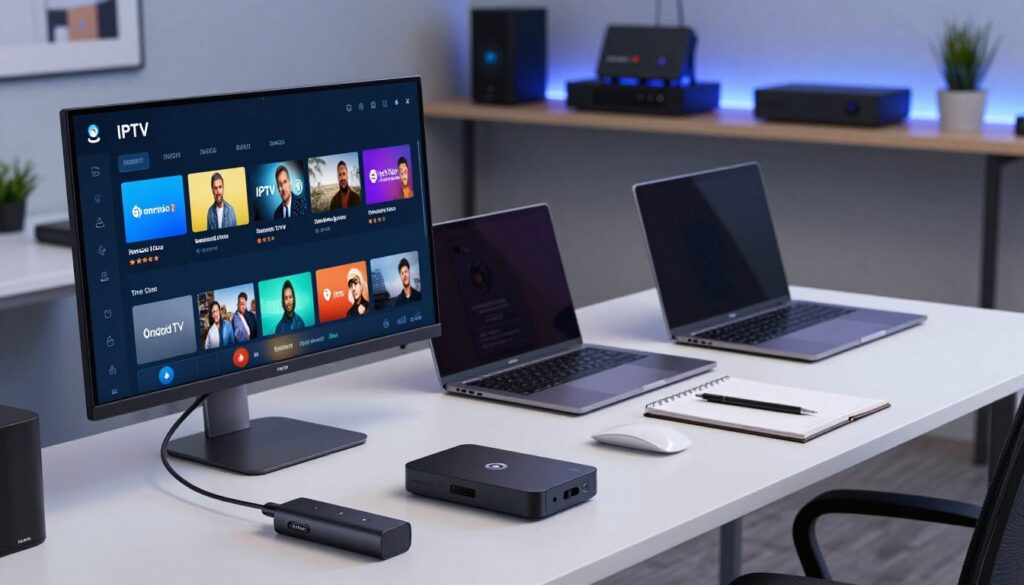
We looked at how stable the streams were, how often they stopped, and how fast channels loaded. We also checked if the video and audio were clear. Plus, we made sure the TV guide was correct and the support was good.
Testing criteria aligned with IPTV service tests
We timed how long it took to start channels and recorded any pauses. We also checked how well video on demand worked. Setting up the player was timed to see how easy it was.
Representative test devices
We tested on many devices like FireStick and Samsung TVs. We used different players to see how they worked on different platforms. This helped us understand how each player performed.
Real-world use cases covered
We tested players during big sports events to see how they handled many streams. We also tested them with lots of channels and parental controls. This helped us see how they worked in real-life situations.
| Metric | Method | Why it matters |
|---|---|---|
| Buffer events/hour | Automated logging during 48-hour runs | Shows playback smoothness under load |
| Channel load time | Median of 30 channel switches per session | Impacts channel surfing and live viewing |
| EPG accuracy | Cross-reference with provider guide | Essential for correct program scheduling |
| VOD library responsiveness | Search, browse, and playback timing | Important for users who rely on on-demand content |
| Setup time | From install to first playback using M3U/Xtream | Reflects user-friendliness for new subscribers |
| Hardware load | CPU and memory profiling on low-end Android | Determines suitability for budget devices |
| Support response | Measured reply time and resolution steps | Affects recovery from issues and overall satisfaction |
Best IPTV Players
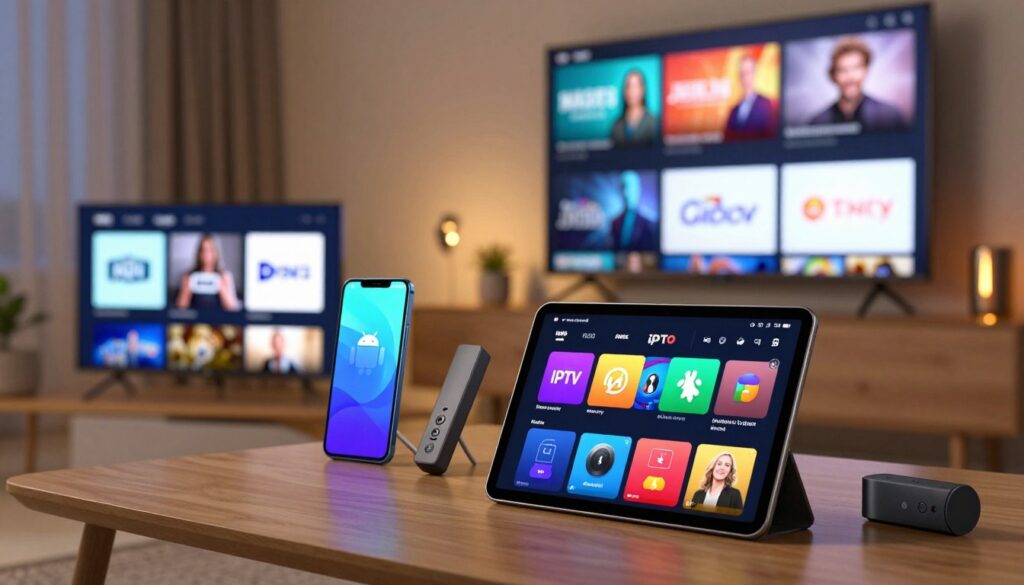
Choosing the right player is crucial. This guide helps you find the best IPTV Players for your device and service needs. It aims to make picking a player easier and faster for services like Sonix, IPTV Geeks, and more.
Why include a dedicated section
Players connect your IPTV subscription to your screen. A detailed review makes comparing easier. This saves time and reduces frustration.
Player selection criteria
We ranked players based on compatibility, M3U support, and EPG accuracy. 4K streams needed hardware acceleration and adaptive bitrate. DVR and catch-up features were also important.
UI speed, parental controls, and low resource use were considered too. These factors help recommend the best players for most users.
Recommended pairings with top services
- TiviMate on Android TV or FireStick pairs well with Sonix or Pioneers TV. It offers a TV-centric, 4K, EPG-driven experience. Sonix’s 4K stability matches TiviMate’s fast navigation.
- IPTV Smarters Pro works with IPTV Geeks or ReflexSat. It’s great for cross-platform use with large international libraries and synced profiles.
- XCIPTV pairs with ViralIPTV or 1IPTV PROVIDER. It’s ideal for FireStick and Android devices that prefer plug-and-play setups.
- VLC or Kodi are good for Windows users. They offer manual M3U control, addon flexibility, and lightweight playback on PCs and laptops.
Use this list to find the best IPTV Players. Match service strengths to player features to reduce buffering and improve navigation.
TiviMate and TiviMate Companion: Best for Android TV and FireStick
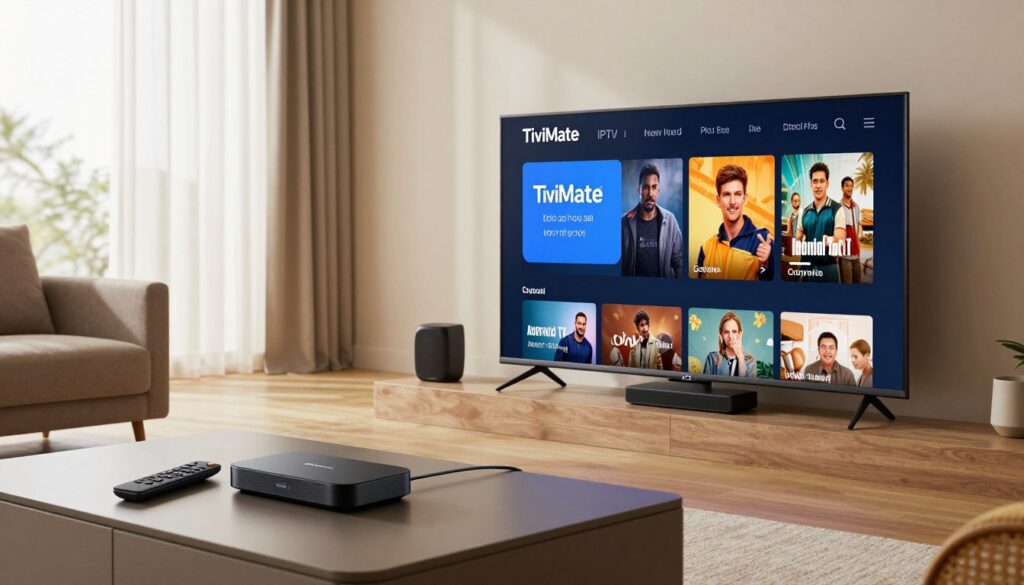
TiviMate is a top choice for streaming on big screens. It’s designed for easy use with remote controls and fast channel switching. Many prefer it for its clean channel grid and reliable live TV playback.
Strengths for TV-focused setups
The app works great on Android TV and FireStick. It’s easy to navigate with a remote and switching channels is fast. This is especially true with services like Sonix and Pioneers TV.
It handles multiple playlists well and has strong EPG mapping. This makes it easy to manage thousands of channels from providers like ReflexSat and IPTV Geeks. Custom groups and favorites help keep large libraries organized.
Advanced features and limitations
TiviMate supports custom groups, multi-screen guides, and smooth 4K playback. It also has scheduled recordings through the TiviMate Companion app. This lets you control timers and downloads on your mobile.
However, it’s only available for Android and needs the Companion app for some features. DVR and catch-up functions depend on the IPTV provider’s server support. For 4K, you’ll need at least 25 Mbps and devices like FireStick 4K or NVIDIA Shield.
How to set up TiviMate with popular providers
First, install the player on your Android TV or FireStick. Get the provider’s M3U URL or Xtream credentials and enter them into the playlist settings. Then, add EPG links and map them to channels for accurate guides.
Organize your channels into groups and enable hardware acceleration in device settings. This can help reduce buffering during live sports. If you have trouble with channel lists or EPG, try clearing the app cache and using wired Ethernet or a stable 5GHz Wi-Fi connection.
| Area | What to expect | Tips |
|---|---|---|
| Device support | Android TV boxes, Amazon FireStick (Fire OS) | Use FireStick 4K or Shield for best results |
| Playlist types | M3U URLs, Xtream Codes, portal setups | Providers usually include credentials in welcome emails |
| EPG and guides | Strong EPG integration and multi-playlist mapping | Map EPG files per playlist for accurate schedules |
| DVR and recordings | Scheduled recordings via Companion; server-side DVR varies | Check provider support before relying on catch-up |
| Network needs | Stable Ethernet or 5GHz Wi-Fi; 25+ Mbps for 4K | Enable hardware acceleration and test speed before events |
| Common pairings | Sonix, ReflexSat, IPTV Geeks, Pioneers TV | These providers report smooth integration with TiviMate |
IPTV Smarters and XCIPTV: Best for Cross-Platform Use
IPTV Smarters and XCIPTV are great for homes with phones, tablets, FireStick devices, and Android TV boxes. They work with Xtream Codes, M3U lists, and portal inputs. Their interfaces are easy to use, making it simple for everyone to find live TV and VOD.
IPTV Smarters is easy to set up on Android, iOS, and many TV platforms. XCIPTV is perfect for FireStick and Android TV, but also supports mobile devices. These apps let you watch on different devices at the same time, if your provider allows it.
These apps are great for families and people who speak different languages. They support multiple profiles and streams, and offer strong subtitle options. Some providers even let you stream five things at once, which is handy for watching different shows.
Parental controls and filters help keep things organized. You can hide mature content and create lists for kids. Options for multiple languages make watching shows more enjoyable for bilingual families.
To watch without interruptions, keep your apps updated and choose providers with good networks. On FireStick, use apps from the Amazon Appstore or sideloaded APKs for better performance. A wired connection or a strong Wi-Fi link helps avoid buffering during big events and 4K streams.
| Feature | IPTV Smarters | XCIPTV | Notes |
|---|---|---|---|
| Platform support | Android, iOS, many TV apps | FireStick, Android TV, mobile | Both cover major devices for multi-device homes |
| Input types | Xtream Codes, M3U, portal | Xtream Codes, M3U, portal | Provider compatibility is broad and similar |
| User profiles & streams | Multi-user, provider-dependent streams | Multi-user, provider-dependent streams | Some services offer up to 5 simultaneous connections |
| Language & subtitles | Multi-language audio, subtitle support | Multi-language audio, subtitle support | Good for multilingual households and VOD |
| Parental controls | Favorites, category filters, basic controls | Favorites, category filters, basic controls | Useful for managing large channel lists |
| Performance tips | Use latest app, choose CDN-backed providers | Use app optimized for FireStick, wired or 5GHz Wi‑Fi | Hardware acceleration and strong networks cut buffering |
| Best fit | Users who want simple, cross-device access | Homes using FireStick and Android TV heavily | Both rank among the best iptv players multi-device |
VLC, Kodi, and Native Windows Players: Best for Windows Users
Windows is a favorite for those who love flexibility and multitasking. It’s also great for watching 4K videos. This section explores three ways to watch videos on a PC: a simple player, a full media center, and native Windows options.
VLC for simple M3U playback
VLC is a light, open-source app that works well with M3U playlists and single-stream URLs. It’s perfect for testing playlists, playing VOD files, and fixing stream links. It doesn’t have a heavy interface.
For quick setup and basic viewing on Windows 11, VLC is a top choice. It’s stable, supports many codecs, and works well with a keyboard for easy controls.
Kodi for advanced customization and addons
Kodi lets you customize deeply, with skin options and addon support. It’s great for building DVR-like setups and connecting third-party addons or PVR backends. Power users love Kodi for its advanced features.
Addons and PVR clients can use Xtream Codes or M3U sources. Kodi is perfect for creating a home media center. It’s ideal for advanced guide handling, scheduled recording, or a themed front end for multiple streams.
Windows-native considerations
Windows IPTV players offer smooth keyboard and mouse navigation. They also have multi-window layouts and easier integration with local DVR or capture tools. Desktop hardware usually handles 4K and multi-stream workloads better than most budget Android boxes.
Performance depends on network and provider quality. Choose providers with strong uptime records and low latency. For security, keep the OS and apps updated, avoid untrusted addons, and consider a VPN for privacy and to reduce ISP throttling.
Lightweight and Free Android Players: Options for Budget Devices
Budget Android TV boxes and older FireStick models are still useful. They work well with lightweight players that keep playback smooth. This guide lists free options, notes trade-offs, and shows the best combos for low-cost IPTV services.
Free players focus on basic features like M3U playback and EPG parsing. Dream Player IPTV and SS IPTV are great for quick setup on Android TV and FireStick. OTT Navigator, IPTV Extreme, Televizo, LTS Player, and Purple Extreme offer different interfaces and playback options.
Free players are light on CPU, making them perfect for low-power boxes. Their ratings on Google Play vary by region. Dream Player is praised for its easy SD and HD streams. OTT Navigator is better for playlist management. IPTV Extreme adds simple recording and subtitle support without heavy menus.
However, budget setups lack advanced features found in premium apps. DVR, reliable catch-up, and robust EPG parsing are often missing. 4K streams can be too much for older hardware. Expect slower UI responsiveness when background apps compete for memory on cheap boxes.
Stability can drop during peak viewing hours with budget IPTV services. Tests showed higher buffering rates for some low-cost providers with entry-level players. Security and update frequency tend to lag behind paid players like TiviMate and IPTV Smarters, so users should be ready to switch apps if issues appear.
For the best budget approach, match a lightweight player with a modest service plan. Pair free players like Dream Player IPTV or SS IPTV with a low-cost provider for casual viewing. Use wired Ethernet and minimize background apps to reduce buffering and improve start time.
The best match for budget IPTV services depends on your priorities. If simplicity matters, choose Dream Player IPTV. If playlist control matters, pick OTT Navigator. For a middle ground, IPTV Extreme offers extra tools without heavy resource use. This setup keeps costs low while preserving decent playback for most channels.
| Player | Key Strength | Best Use Case | Resource Load |
|---|---|---|---|
| Dream Player IPTV | Easy setup, good SD/HD playback | Fast installs on Android TV and FireStick | Low |
| SS IPTV | Simple UI, basic EPG parsing | Users who want quick channel lists | Low |
| OTT Navigator | Playlist management, flexible layout | Managing many M3U playlists | Medium |
| IPTV Extreme | Recording option, subtitle support | Users needing light DVR features | Medium |
| Televizo | Clean interface, simple EPG | Casual viewers on budget boxes | Low |
| LTS Player | Compact, focused playback | Very low-end hardware | Very Low |
| Purple Extreme | Lightweight, customizable lists | Users who tweak layouts | Low |
Advanced Player Features to Look For in 2026
The right player makes a big difference for smooth streaming and reliable guides. Look for apps with advanced IPTV features and simple controls. Small improvements in playback and guide handling make a big difference in your daily experience.
EPG accuracy is key for live scheduling and catch-up. Players should accept custom EPG URLs and offer automatic EPG mapping. Manual corrections are helpful when guide entries don’t match provider data. High EPG accuracy prevents missed shows and keeps recordings exact.
True 4K IPTV support needs hardware acceleration and modern codecs like HEVC/H.265. Players must handle adaptive bitrate switching to avoid stalls on slower links. Aim for at least 25 Mbps for a single 4K stream and choose apps that switch seamlessly when bandwidth dips.
DVR IPTV comes in two forms: server-side and player-side. Both are important for different users. Server-side catch-up saves device storage, while local DVR is handy for instant control. Look for scheduling tools, remote storage options, and clear storage management.
Multi-stream management is key for power users who want picture-in-picture or multi-view. Some providers allow multiple simultaneous connections; a strong player will manage up to several streams without dropping performance. Scheduling recordings across channels is a must for sports and event junkies.
Companion apps and server-based DVR add flexibility. TiviMate Companion and similar apps make remote scheduling and library browsing easier. Choose players that integrate with service DVRs and let you move recordings between local and cloud storage.
When comparing the best iptv players features, focus on stability, codec support, and guide handling. A player that excels in EPG accuracy, 4K IPTV playback, and DVR IPTV options will save you time and reduce frustration.
Security, Privacy, and VPN Recommendations for IPTV Playback
When you set up IPTV on Android, FireStick, or Windows, keeping streams safe and private is key. Follow simple steps to boost IPTV security and protect your viewing data. Choose tools that balance speed, privacy, and ease of use.
When to use a VPN
Use a VPN for privacy, to avoid ISP throttling, and to reach geo-blocked channels. Top choices include NordVPN, ExpressVPN, and Surfshark. Pick a VPN with native apps for Android and Windows or router-level support for FireStick and Android TV.
For minimal lag, connect to a nearby high-speed server and test performance before long viewing sessions. Remember that a VPN can change speed and latency. Choose providers that advertise fast servers and low overhead.
Player security practices
Install IPTV apps from official stores when possible to reduce the risk of malicious builds. Keep players updated to receive security fixes. Avoid unknown third-party addons and unverified Kodi repositories that may carry malware or pirated content.
Use strong, unique passwords for IPTV accounts and enable two-factor authentication if available. Favor secure payment methods such as credit cards or reputable processors when subscribing to services.
Legal and reliability considerations
IPTV technology is legal, but streaming copyrighted content without a license is illegal in the United States. Stick with licensed services like Sling or YouTube TV, or choose vetted paid IPTV providers with transparent policies. Legal IPTV considerations should guide your provider choice.
Watch for red flags: extremely low prices under $8 per month, no EPG, no support, inflated channel counts, and frequent domain changes. These signs point to unreliable or unlawful services. Prioritize providers that publish uptime stats and clear support channels.
Quick comparison
- Choose NordVPN, ExpressVPN, or Surfshark for a mix of speed and privacy suited to IPTV VPN recommendations.
- Follow best practices for best iptv players privacy: official apps, regular updates, and strong account security.
- Assess legal IPTV considerations by verifying licensing, support, and honest uptime reporting from providers.
Choosing the Right Player for Your Use Case
Choosing the right IPTV player is all about what you watch and how. Sports fans need fast streams and no downtime. Families want lots of language options and easy channel sorting. Those on a budget look for cheap, efficient options.
Best setup for sports fans
For live sports, use TiviMate or IPTV Smarters with Sonix IPTV or Pioneers TV. Sonix is top for 4K sports and little buffering. Pick a player with anti-buffer tech and accurate EPG for reliable pay-per-view scheduling.
Use Ethernet or 5GHz Wi-Fi to reduce latency. Limit other streams during games. A VPN is only needed for privacy or to access geo-blocked content.
Best setup for international or multilingual households
IPTV Smarters or XCIPTV work well with IPTV Geeks or ReflexSat. IPTV Geeks has over 40,000 channels in 150+ countries, great for families needing many languages.
Look for players that let you sort channels by country or language. Also, set parental controls for a tidy interface and easy navigation for all users.
Best setup for budget-conscious users
For those watching on a budget, try Dream Player, SS IPTV, or OTT Navigator with IPTV Farm or IPTVservice.net. You might miss out on 4K and see some buffering, but it’s okay for casual watching.
Improve your setup with wired connections, limit streams, and choose simple UI players. This makes cheap Android boxes work better.
| Use Case | Recommended Player | Recommended Provider | Key Benefits |
|---|---|---|---|
| Live Sports | TiviMate, IPTV Smarters | Sonix IPTV, Pioneers TV | Low latency, anti-buffer tech, accurate EPG for PPV |
| International / Multilingual | IPTV Smarters, XCIPTV | IPTV Geeks, ReflexSat | Extensive channel range, multi-language EPG, subtitles |
| Budget-Conscious | Dream Player, SS IPTV, OTT Navigator | IPTV Farm, IPTVservice.net | Low cost, lightweight players, good daytime performance |
Match your hardware to your needs. For sports, choose a fast Android TV box or FireStick with Ethernet. For international homes, focus on players with grouping and subtitle features. For budget builds, aim for efficiency and a lightweight player to get the most from affordable providers.
Conclusion
Choosing the right player starts with knowing your device. For Android TV and FireStick, TiviMate is the best. IPTV Smarters and XCIPTV are great for using on different platforms. On Windows, VLC and Kodi are perfect for easy use and customization.
Pair any of these players with a good provider like Sonix, IPTV Geeks, or ReflexSat. This ensures you get the content you want and reliable service.
Look for EPG accuracy, 4K support, and DVR features. Also, check for uptime and customer support. Privacy and legal issues are important too. Use trusted providers and consider a VPN for safety.
Make sure your device and player are compatible. Your internet speed should be at least 25+ Mbps for 4K. Try trial accounts to test services.
Watch uptime, buffer events, and VOD quality when choosing providers and players.
Try your chosen player with a provider’s trial first. Then, adjust your network and device settings for the best playback. These tips will help you set up a reliable, high-quality IPTV system. Enjoy a hassle-free experience with the best IPTV players in 2026.