
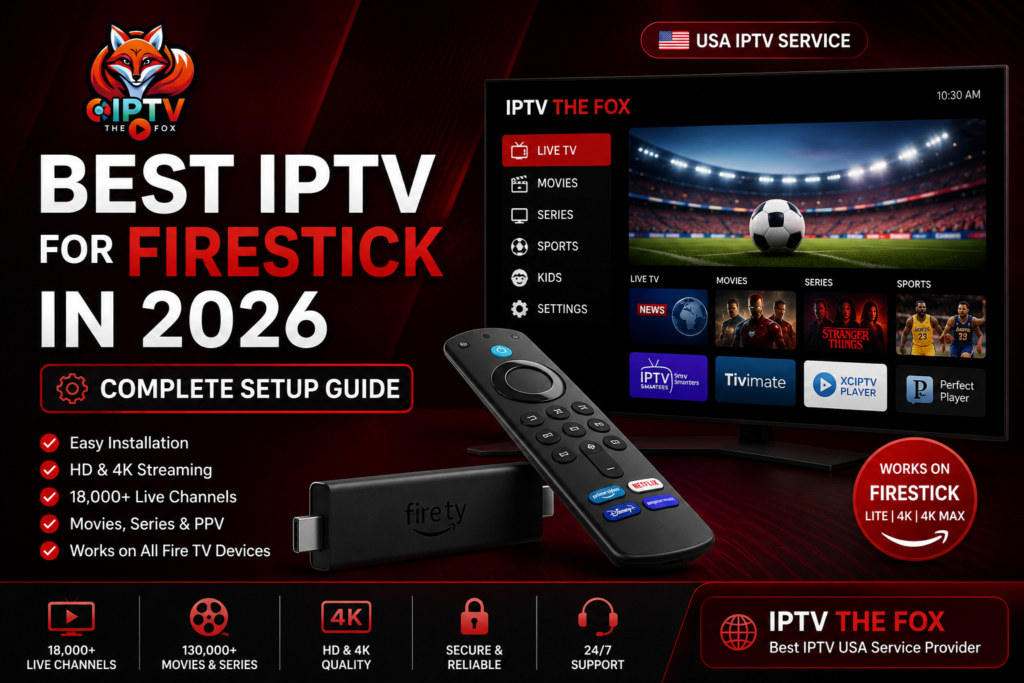
If you own an Amazon Firestick, you’re sitting on one of the most powerful streaming devices available today. But to unlock its full potential, you need the best IPTV for Firestick — and in 2026, that means choosing a reliable, high-quality service that delivers thousands of channels, movies, and sports in crystal-clear HD and 4K. In this complete setup guide, we’ll show you exactly how to install and use IPTV The Fox on your Firestick — the #1 IPTV USA service in 2026.
Why Firestick Is the Best Device for IPTV
Amazon Firestick is one of the most popular streaming devices in the USA — and for good reason. It’s affordable, portable, and incredibly easy to use. When paired with the best IPTV for Firestick, you get:
- Access to 18,000+ live channels
- 130,000+ movies and TV series on demand
- HD & 4K streaming quality
- Simple plug-and-play setup
- Works with any TV that has an HDMI port
Whether you’re watching NFL, NBA, movies, or international channels, Firestick + IPTV The Fox is the ultimate entertainment combo in 2026.
What Makes IPTV The Fox the Best IPTV for Firestick?
Not all IPTV services are created equal. Here’s why IPTV The Fox is the top choice for Firestick users in 2026:
Antifreeze™ Technology
IPTV The Fox uses exclusive Antifreeze™ Technology that eliminates buffering and freezing — even during live sports events. No more frustrating interruptions during the big game.
Massive Content Library
- 18,000+ live channels from the USA and worldwide
- 130,000+ movies and series on demand
- Exclusive Pay-Per-View (PPV) events
- Sports: NFL, NBA, MLB, MMA, boxing, and more
Affordable Pricing
The best IPTV for Firestick shouldn’t break the bank. IPTV The Fox offers:
| Plan | Price | Devices |
|---|---|---|
| 1 Month | $19 | 1 to 5 |
| 6 Months | $56 | 1 to 5 |
| 1 Year | $79 | 1 to 5 |
Use code 100000users for 10% OFF your first order.
Full EPG TV Guide
Navigate channels easily with a built-in Electronic Program Guide (EPG) — know exactly what’s on, when it’s on, and never miss your favorite shows.
24/7 Customer Support
Get help any time of the day or night with IPTV The Fox‘s round-the-clock support team.
How to Install the Best IPTV for Firestick – Step-by-Step
Setting up IPTV The Fox on your Firestick is quick and easy. Follow these simple steps:
Step 1: Enable Apps from Unknown Sources
Before installing any IPTV app, you need to allow your Firestick to install third-party apps:
- Go to Settings on your Firestick home screen
- Select My Fire TV (or Device on older models)
- Click on Developer Options
- Turn on Apps from Unknown Sources
- Confirm by clicking Turn On
Step 2: Download the Downloader App
The easiest way to install IPTV apps on Firestick is through the Downloader app:
- Go to the Search icon on your Firestick home screen
- Type “Downloader” and select it from the results
- Click Download and wait for the installation to complete
- Open the Downloader app
Step 3: Install Your IPTV Player
For the best IPTV for Firestick experience, we recommend using one of these players:
- TiviMate – Best overall IPTV player for Firestick
- IPTV Smarters Pro – Great for beginners
- Duplex IPTV – Clean interface, easy navigation
To install TiviMate via Downloader:
- Open the Downloader app
- Enter the URL for the TiviMate APK (available on the TiviMate official website)
- Click Go and wait for the download
- Install the APK and open the app
Step 4: Subscribe to IPTV The Fox
- Visit iptv-thefox.com from any browser
- Choose your plan (1 Month, 6 Months, or 1 Year)
- Select the number of devices (1 to 5)
- Complete your purchase
- You’ll receive your M3U URL or Xtream Codes credentials by email
Step 5: Connect IPTV The Fox to Your Player
If using M3U URL:
- Open your IPTV player (TiviMate, IPTV Smarters, etc.)
- Select Add Playlist or M3U URL
- Enter your M3U URL from IPTV The Fox
- Click Add and wait for channels to load
If using Xtream Codes:
- Open your IPTV player
- Select Xtream Codes
- Enter the server URL, username, and password from your IPTV The Fox account
- Click Connect and enjoy
Step 6: Start Streaming
Once connected, you’ll have instant access to:
- All 18,000+ live channels
- Full VOD library (130,000+ titles)
- EPG TV Guide
- PPV events
Best IPTV Players for Firestick in 2026
Choosing the right IPTV player makes a big difference in your experience. Here are the top IPTV players compatible with Firestick and IPTV The Fox:
1. TiviMate
The gold standard for IPTV on Firestick. TiviMate offers a clean, intuitive interface, excellent EPG support, and smooth performance. Highly recommended for best IPTV for Firestick users.
2. IPTV Smarters Pro
A beginner-friendly option with multi-screen support and a straightforward setup process. Works perfectly with IPTV The Fox’s M3U and Xtream Codes.
3. Duplex IPTV
Known for its elegant design and reliable performance. Great for users who want a simple, hassle-free experience.
4. GSE Smart IPTV
A feature-rich player with advanced options for power users. Supports M3U playlists and Xtream Codes.
Tips for the Best IPTV Firestick Experience in 2026
To get the most out of the best IPTV for Firestick, follow these optimization tips:
Use a Fast Internet Connection
For HD streaming: minimum 10 Mbps For 4K streaming: minimum 25 Mbps For multiple devices: 50 Mbps or more
Use a VPN for Privacy
IPTV The Fox is fully VPN compatible. Using a VPN on your Firestick adds an extra layer of privacy and can improve speeds by bypassing ISP throttling.
Keep Your Firestick Updated
Make sure your Amazon Firestick firmware is always up to date for the best performance and compatibility with IPTV apps.
Restart Your Firestick Regularly
A simple restart clears cached data and keeps your Firestick running smoothly — especially important for IPTV streaming.
Use an Ethernet Adapter
For the most stable connection, use an Amazon Ethernet Adapter for Firestick instead of relying solely on Wi-Fi.
IPTV The Fox vs Other IPTV Services for Firestick
| Feature | IPTV The Fox | Other IPTV Services |
|---|---|---|
| Live Channels | 18,000+ | 5,000–10,000 |
| VOD Content | 130,000+ | Limited |
| Antifreeze™ Tech | ✅ Yes | ❌ Rarely |
| 4K Streaming | ✅ Yes | Sometimes |
| EPG TV Guide | ✅ Yes | Sometimes |
| VPN Compatible | ✅ Yes | Sometimes |
| 24/7 Support | ✅ Yes | ❌ Rare |
| Price/Month | From $19 | $20–$50 |
| Firestick Compatible | ✅ Yes | Varies |
When it comes to the best IPTV for Firestick in 2026, IPTV The Fox is the clear leader.
Frequently Asked Questions – Best IPTV for Firestick
Is IPTV legal on Firestick?
Using IPTV technology itself is legal. However, you should always ensure the service you subscribe to has the proper licensing for the content it provides. Always use reputable services like IPTV The Fox.
Do I need a powerful Firestick for IPTV?
Any generation of Amazon Firestick will work, but for the best 4K streaming experience, we recommend the Firestick 4K Max or Firestick 4K.
Can I use IPTV The Fox on multiple devices?
Yes! IPTV The Fox supports 1 to 5 devices simultaneously on a single subscription — perfect for the whole family.
What internet speed do I need for IPTV on Firestick?
A minimum of 10 Mbps for HD streaming and 25 Mbps for 4K streaming is recommended.
How do I get support for IPTV The Fox on Firestick?
IPTV The Fox offers 24/7 customer support via their official website at iptv-thefox.com.
Conclusion: The Best IPTV for Firestick in 2026
There’s no question — if you’re looking for the best IPTV for Firestick in 2026, IPTV The Fox is the answer. With over 18,000 live channels, 130,000+ movies and series, Antifreeze™ Technology, 4K streaming, EPG support, and 24/7 customer service — all starting at just $19/month — it’s the most complete IPTV solution available for Firestick users.
Ready to transform your Firestick into the ultimate entertainment machine?
👉 Get IPTV The Fox Today — Use code 100000users for 10% OFF!


