

IPTV is a way to stream TV and videos over the internet. Services like Fubo TV and YouTube TV are legal because they have the right to show content. They have deals with broadcasters and studios.
But, many unverified services offer pirated streams. It’s hard to tell if a service is legal. Look for proof of licensing, clear payment methods, and a presence on big app stores. Avoid services hosted offshore, with hidden payments, or that push VPNs to access content.
This guide uses reports, platform info, and testing to show IPTV laws in the USA for 2026. We help you check if an IPTV service is legal. We also list trusted providers so you can choose without worrying about fines or bad service.
Key Takeaways
- IPTV Legal means services with the right to distribute content.
- Services like Fubo TV and YouTube TV are legal in the U.S.
- Look for clear licensing, app presence, and standard payments.
- Be wary of low prices, hidden payments, and offshore hosting.
- Use free trials and verified stores to check if a service is legal IPTV 2026.
What is IPTV and how it works
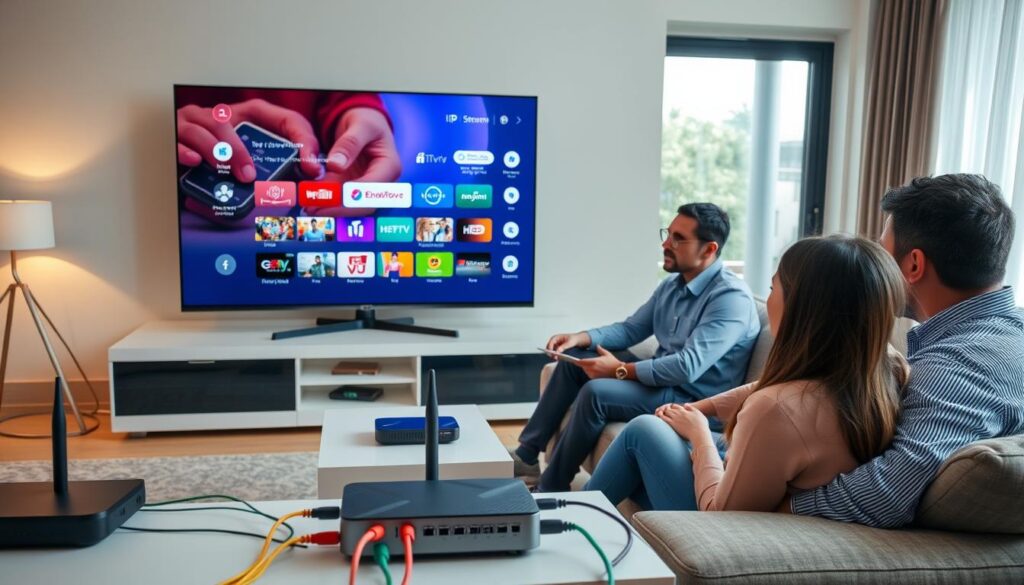
IPTV means TV delivered over the internet, not through cable or satellite. It’s known as streaming live channels, movies, and shows through apps. Providers like Fubo, YouTube TV, and Sling offer these services.
Definition and key technologies behind IPTV
IPTV stands for Internet Protocol Television. It turns TV feeds into data packets sent over IP networks. Key technologies include content delivery networks and DRM for rights protection.
Types of IPTV: live TV, video on demand, and time-shifted media
IPTV has three main types. Live TV streaming shows sports and news in real-time. Video on demand lets you watch movies and series whenever you want. Time-shifted media includes catch-up services and start-over features.
How streams are delivered: protocols, apps, and devices
Streams are delivered using IPTV protocols like HLS and MPEG-DASH. Providers use apps and web players on Smart TVs and devices like Amazon Fire TV Stick and Roku. You can also use mobile apps or desktop clients.
Typical user experience and advantages over cable
Users enjoy interactive guides and cloud DVR on various devices. IPTV is cheaper than cable and offers more channels, including international ones. It also supports HD and 4K streams. Legal platforms combine live channels with vast VOD libraries for easy access.
IPTV Legal: understanding copyright, licensing, and U.S. law
Knowing the difference between legal streaming and piracy is key. Many U.S. providers share their contracts and licensing details online. This helps viewers avoid using services that break IPTV copyright laws.

Copyright basics
Copyright laws protect movies, sports, and TV shows from being copied without permission. Services need to get the rights from studios and networks before streaming. By using verified services, viewers help support the legal chain and avoid legal trouble.
Distribution and broadcast rights
Having distribution rights means a provider can legally stream content in certain areas and ways. Broadcasters and content owners need written agreements for this. Legitimate services show their licensing partners or contract summaries to prove they follow IPTV licensing USA rules.
U.S. laws and enforcement trends
In the U.S., copyright infringement is handled through the DMCA IPTV takedown process and civil lawsuits. Companies like Disney and the NFL go after operators who stream without permission. Big piracy cases can lead to criminal charges, domain seizures, and fines.
How authorities and rights holders act
Authorities and copyright owners team up to take down illegal services. They use DMCA notices, freeze payments, seize servers, and work with registrars to suspend domains. Services that host offshore and use secret payment methods often get caught quickly.
| Issue | What to check | Practical sign of compliance |
|---|---|---|
| Licensing | Contract proof, public partner lists, channel rights | Named networks, official carriage statements, region limits |
| Copyright handling | DMCA agent, takedown policy, rights owner contacts | Published DMCA agent, clear copyright page, user notice system |
| Operations | Hosting location, payment processors, app presence | US-based processors, App Store or Google Play listings, reliable site scripts |
| Risk signals | VPN push, anonymous payments, hidden company info | Offshore domains, crypto-only checkout, no legal disclosures |
How to identify legal IPTV providers in the United States
Finding a trustworthy streaming service is more than just looking at prices and ads. Look for clear company information, public partner logos, and licensing statements on their site. These signs show if a service is legal and has the right to offer the channels they claim.
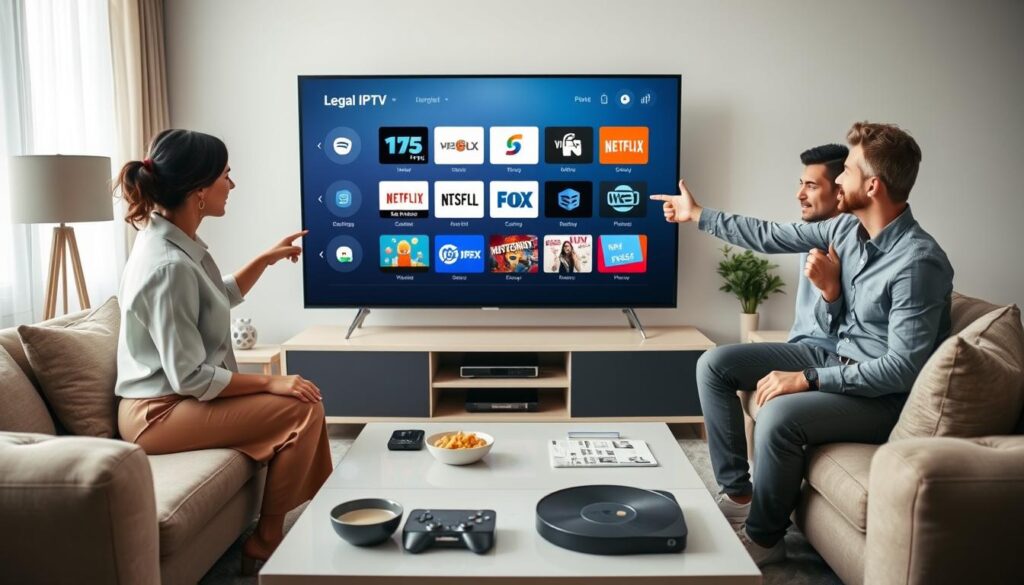
Check if they have official apps in major stores. Apps on Apple App Store, Google Play, or Amazon Appstore and verified social accounts mean they’re legit. Official apps follow rules and are safer to use.
Be wary of IPTV red flags. Low prices, hidden payment methods, offshore hosting, or VPN advice are warning signs. These could mean they use unlicensed streams.
Try out free trials to see how the service works. You can check if the guide is accurate, if the DVR works, and if the streams are stable. This helps you see if they really offer what they say.
Look up a provider’s history for any legal actions. News and reports can show if they’ve faced enforcement. Services with clean records and clear partnerships are likely legal.
Check the quality of their customer support and website. A well-kept site with working pages and clear contact options shows they’re professional. Broken pages or constant errors can be red flags.
Before you subscribe, follow a simple checklist:
- Confirm presence on App Store, Google Play, or Amazon Appstore.
- Look for partner logos and public carriage or licensing notes.
- Test via free trial to verify EPG, DVR, and stream reliability.
- Check payment methods and billing transparency.
- Search for takedown history or legal notices.
The table below compares what to look for in reputable services with common warning signs. Use it to quickly check providers and decide if you should look further.
| What to See | Signals of Legitimacy | IPTV Red Flags |
|---|---|---|
| App presence | Official app in App Store/Google Play/Amazon, verified developer | No app, APK-only installs, unverified developer accounts |
| Company info | Clear business address, support contact, tax or registration details | Anonymous ownership, no contact info, offshore shell addresses |
| Licensing proof | Partner logos, carriage agreements, public licensing notes | No licensing info, vague claims about “full lineup” without partners |
| Pricing and payments | Transparent billing, mainstream payment processors, clear refund policy | Extremely low prices, crypto-only or cash payments, recurring hidden fees |
| Site and service quality | Working website, stable streams during free trial, responsive support | Broken pages, script errors, frequent stream drops, poor trial experience |
| Reputation | Positive independent reviews, community endorsement, no takedown history | Negative reviews, reports of shutdowns, multiple DMCA notices |
Best legal IPTV services in the USA for 2026

The U.S. market now offers a clear field of credible choices for IPTV Legal viewers. Licensed services publish company and partner details, list public pricing, and distribute official apps across major platforms. These traits separate the best legal IPTV providers from risky alternatives.
Overview of top vetted providers and what makes them legal
Legal providers hold distribution agreements, provide transparent billing, and support device ecosystems like Roku, Fire TV, and smart TVs. Look for DVR options, electronic program guides, and customer support that reflect legitimate operations.
Fubo TV: strengths, features, and ideal audience
Fubo TV targets sports fans with broad channel coverage and sports-centric tools. The service includes a large VOD library, lookback and startover features, and an unlimited DVR option with long-term storage. Those who want live games and robust DVR controls often pick Fubo TV.
YouTube TV: channel lineup, sports features, and DVR policies
YouTube TV offers a clean interface and a strong baseline channel package that includes regional options in many markets. Sports viewers benefit from live insights and multi-view features. The unlimited DVR with extended storage keeps recordings accessible for months.
Sling TV: pricing strategy, customization, and limitations
Sling TV appeals to budget-conscious viewers through modular plans and flexible add-ons. Each plan has a curated channel set and optional DVR upgrades. The trade-off is a smaller base lineup compared with some higher-priced services.
Hulu + Live TV: combined streaming library, DVR, and add-ons
Hulu + Live TV bundles live channels with the Hulu on-demand library and premium add-ons. The package suits households that want both live broadcasts and extensive streaming catalogs. Built-in DVR and simultaneous streams make it a full-featured legal IPTV option.
Pluto TV and free ad-supported legal IPTV options
Pluto TV provides a free, ad-supported model with hundreds of live channels and a large on-demand selection. No subscription is required, making it a go-to for viewers seeking cost-free, legal streaming without DVR capabilities.
Smaller legal providers and emerging entrants in 2026
New and niche services continue to enter the market, offering targeted lineups and regional content. Some smaller names deserve attention but need independent vetting for licensing and partner transparency before subscribing.
- Look for verified apps and public licensing statements when comparing services.
- Compare DVR limits, simultaneous streams, and channel lineups for best fit.
- Prioritize providers with clear billing, customer support, and store presence.
Technical and consumer considerations when choosing an IPTV service
Choosing the right IPTV service involves looking at technical needs and everyday use. First, check the IPTV requirements, account features, and how updates are handled.
Internet and connection
For HD streams, you need at least 10 Mbps per stream. For 4K, aim for 25 Mbps or more. Wired Ethernet is better than Wi‑Fi for steady speeds.
Close apps on phones, smart TVs, and PCs to save bandwidth. Restart routers and devices if video stutters. These steps help improve IPTV speed and reduce buffering.
Device compatibility
Make sure the service works with your devices. Common devices include Samsung and LG smart TVs, Android TV, Amazon Fire TV Stick, Roku, iPhone and Android phones, Windows and macOS.
Install apps from trusted stores like the Apple App Store, Google Play, Roku Channel Store, or Amazon Appstore. If needed, use M3U or third‑party players carefully. Matching devices with apps improves reliability.
Features to compare
Look at the channel lineup, EPG, DVR and cloud storage limits, video on demand libraries, and 4K availability. Services like Hulu + Live TV and YouTube TV offer DVR and lookback features for sports and news fans.
Consider the user interface, search, and family profiles. A clean web portal and well-designed apps make setup and daily use easier.
Security and privacy
Choose a provider that prioritizes IPTV security. Use apps from trusted stores and avoid unverified APKs or third-party players. Sites should use HTTPS and have clear privacy policies.
Be wary of services that push VPNs to hide streams. This could mean they have questionable licensing. Protect your payment data by choosing providers with reputable processors and secure checkout.
| Area | Minimum | Recommended | Why it matters |
|---|---|---|---|
| Internet speed | 5–10 Mbps | 25 Mbps+ for 4K | Ensures smooth HD/4K playback and supports multiple streams |
| Connection type | Wi‑Fi (AC or AX) | Gigabit Ethernet | Ethernet reduces packet loss and stabilizes IPTV speed |
| Devices | Smart TV, phone, PC | Fire TV Stick, Roku, Android TV, recent Smart TVs | Wider device support equals more viewing flexibility |
| Core features | Live channels, basic VOD | EPG, DVR, cloud storage, 4K, lookback | Enhances user control and content access |
| Security | HTTPS website | Verified apps, clear privacy policy, secure payments | Protects accounts, payment data, and viewing privacy |
Compare these technical aspects with what providers claim before subscribing. Clear answers on IPTV Legal status and transparent customer support help avoid surprises and improve satisfaction in the long run.
Risks and consequences of using illegal IPTV services
Choosing a streaming service without verified rights is risky. Many unauthorized streams hide their location and payment methods. They also suggest using VPNs to avoid detection. This shows why it’s important to check if an IPTV service is legal.
Legal exposure
Users of pirate platforms might face lawsuits and fines. Courts can order damages and take down content. Using a service without rights can lead to account closures and refunds.
Security and privacy threats
Unofficial apps and modified players can have malware. Data breaches happen when payment security is poor. Stolen card details, phishing, and device attacks are common risks with pirate services.
Service reliability problems
Illegitimate providers often have poor uptime and quality. Users face buffering, sudden outages, and broken guides. Bad server management and overloaded streams lower quality and upset viewers.
Wider industry impact
Piracy hurts creators, broadcasters, and ad-supported platforms. Less money leads to more enforcement, domain seizures, and less new content. These effects show how piracy harms the media world.
How to reduce risk
- Choose well-known services with clear licensing and a storefront presence to confirm legality.
- Be wary of deals that are too cheap or require unusual payment methods.
- Look at reviews, trial periods, and company records before subscribing.
Conclusion
IPTV Legal options are often cheaper and more flexible than traditional cable. Services like Fubo, YouTube TV, and Sling offer high-quality channels and DVR tools. They also support a wide range of devices.
Choosing legal IPTV means you get licensed providers. This guide for 2026 highlights the importance of licensing and transparency. It’s what sets legal IPTV apart.
Deciding if IPTV is legal in the USA for your home is simple. Just check provider pages and app stores. Try free trials, confirm channel lineups, and read reviews.
Make sure sites and apps work well. Look for JavaScript, storefront listings, and payment pages that function smoothly. This helps you spot legitimate services.
Remember to consider practical setup and safety. Ensure your internet speed is good. Use devices like smart TVs or Roku and avoid unknown third-party apps.
To stay legal with IPTV in the USA in 2026, choose providers with clear licensing. Use official apps, verify trials and reviews, and avoid suspiciously cheap services. This approach keeps you safe and ensures the best streaming experience.


